


Your Mac pointer,
but sillier.
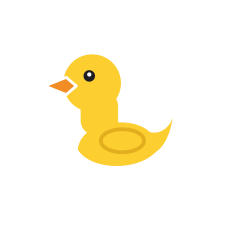
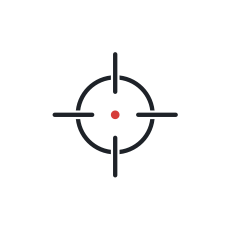
Eighteen pointers, from a proper crosshair to a rubber duck. The fly swatter swings and slaps when you click.
Eighteen pointers, from a proper crosshair to a rubber duck. The fly swatter swings and slaps when you click.
Hover to wake one up. Click to hear it. Pointers marked reacts to clicks do something when you click, in the app and here.
Pick a pointer in the app; it replaces your system pointer everywhere — Finder, Safari, Mail, the lot.
Swap pointer from the menu bar without opening anything. Your choice sticks across restarts.
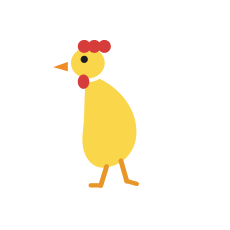
The swatter slaps, the duck quacks, the chicken squawks. Turn the noise off in one click if you're in a meeting.

A size slider from discreet to frankly enormous, plus an animation toggle for the wrigglers.

Every pointer is vector artwork drawn in code, so it stays razor sharp on any Retina display at any size.
Some things you should know before you download, not after:
macOS only lets you change the pointer's size and colour in System Settings → Accessibility → Display. There's no built-in way to use a different pointer shape. That's the gap Cursorium fills: pick a pointer from the catalogue and it replaces your system pointer everywhere.
Completely. No account, no sign-up, no in-app purchase, no analytics, no phoning home.
Yes. The app is signed with an Apple Developer ID certificate and has been notarised by Apple, which means Apple scanned it and macOS Gatekeeper accepts it. Download it, drag it to Applications, open it.
Click the Cursorium icon in your menu bar and choose System Pointer — or just quit the app. Quitting always restores the standard macOS pointer.
No. It draws one small image that follows your mouse. The app is 2.6 MB and idles at effectively nothing.
It's built as a universal binary and needs macOS 15 (Sequoia) or later, so it runs on both Apple Silicon and Intel Macs that can reach that version.
Not in this version — every pointer is drawn as vector code so it stays sharp at any size. If enough people ask for custom images, it can be added.
Free, 2.6 MB, notarised by Apple. Drag to Applications and pick a pointer.
⬇︎ Download Cursorium 1.0